Oninsta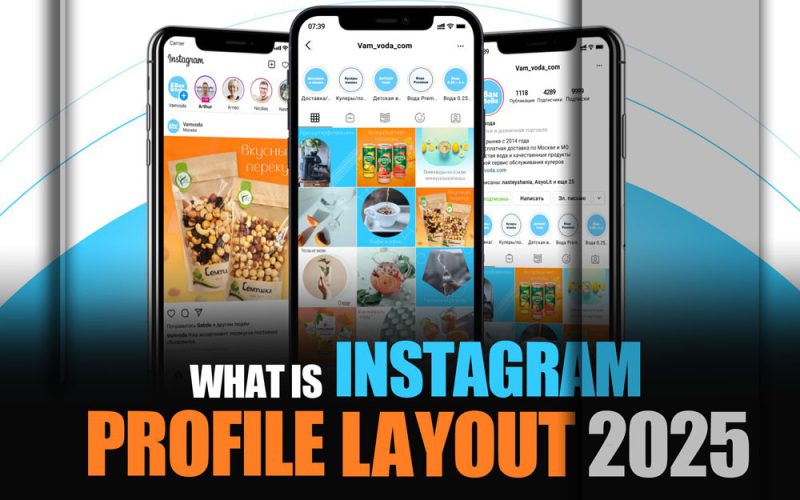
The Instagram Profile You Knew Is Gone, Welcome to 2025! The Instagram profile interface has undergone a bold transformation, ditching the classic square grid in favor of a sleek, vertical, content-first design.
It’s not just a cosmetic update. It’s a strategic shift that could massively boost your visibility and engagement. Ever questioned why some posts suddenly look way more eye-catching? What’s the secret behind this new layout? And more importantly, how can you use it to elevate your brand or personal page?
If you’re curious about “What is the Instagram profile layout 2025?” keep reading, the new Instagram era starts here!
What Has Changed with the Instagram Profile Grid in 2025?
It’s worth noting that the update has been rolled out gradually, and as of mid-2025, some users may still see the traditional square grid, depending on device type, app version, or account age.
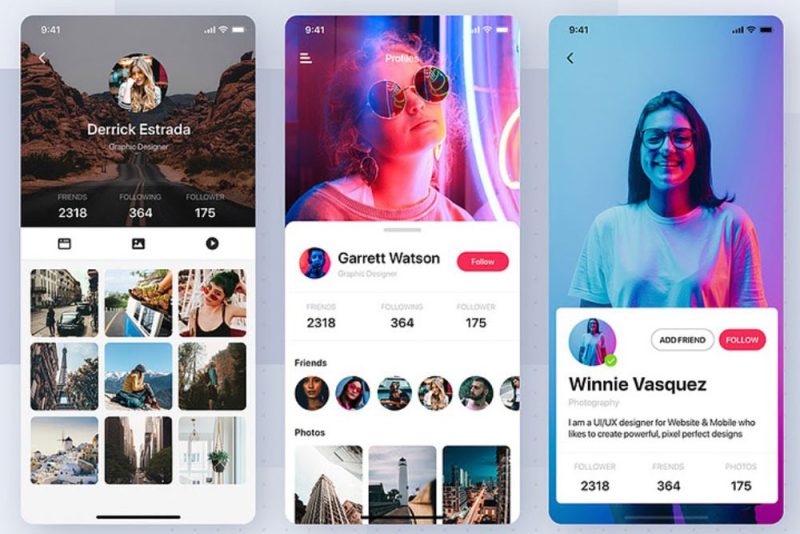
In 2025, Instagram introduced one of its most significant visual updates by redesigning the profile grid layout. The traditional square previews (1:1 aspect ratio) have been replaced with a portrait layout Instagram design, featuring vertical thumbnails displayed at approximately 1015×1350 pixels.
This transformation reflects the latest Instagram layout trends, focusing on enhancing the visual presence of portrait images and vertical videos, especially Reels.
Key Instagram Profile Layout Updates at a Glance
- New aspect ratio for post previews; Close to 4:5 instead of the classic 1:1
- The reorder feature allows reshuffling posts without deleting or re-uploading them.
- Enhanced support for vertical video content, with special attention to Reels placement in profile
- Redesigned Highlights layout for better alignment with the updated grid
- Overall optimization for improved visual branding and user experience
These changes are designed to support higher engagement, showcase content more effectively, and help creators build an aesthetic Instagram profile that resonates with today’s visual-first audience.
How Does the Instagram Grid Change Impact Your Existing Posts?
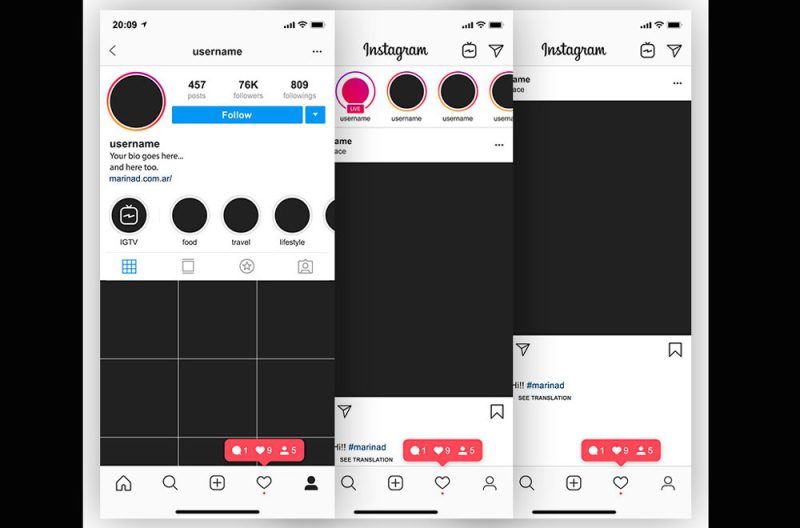
This new Instagram profile layout directly impacts older posts, especially for creators and brands who previously relied on meticulous, coordinated grid aesthetics.
| Major implications for legacy content | Recommended steps to adapt |
| · Disruption of symmetry in designs based on the classic 3×3 grid Instagram model.
· Cropping issues where square posts no longer frame subjects or text correctly. ·Misalignment of carousel sequences, which were once perfectly stacked. · Puzzle feeds and mosaic layouts may break or appear fragmented under the new vertical structure. | · Reevaluate your content and redesign according to updated Instagram grid planning best practices. · Use the “Adjust Preview” feature to recenter older posts within the new display format. ·Avoid deleting previous posts; instead, update thumbnails or covers for a cleaner look. · Focus on compelling visual storytelling with strong focal points and minimal edge clutter. · Explore Instagram grid ideas 2025, such as vertical image stacking, thematic rows, and minimal color palettes to retain consistency. |
Rather than seeing this as a limitation, this new Instagram layout update presents an opportunity to reset your layout strategy and reinforce your messaging through intentional design. When executed well, it becomes a powerful foundation for your Instagram branding strategy.
Best Practices for Designing Engaging & Aesthetic Instagram Profile Layout
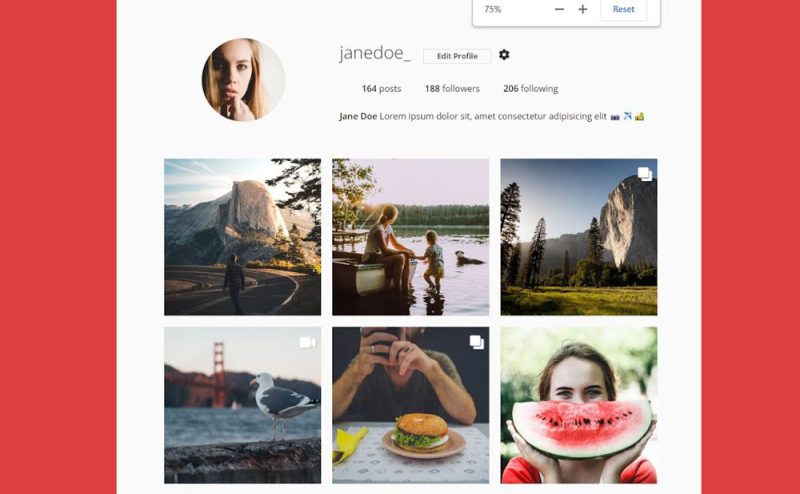
To stand out under Instagram’s new visual structure, your profile must be built with purpose, strategy, and a deep understanding of user behavior. Below are proven best practices to create a polished, dynamic, and audience-friendly design.
Optimize Profile Structure & Composition
- Choose a profile picture that’s sharp, recognizable, and brand-consistent.
- Write a bio that is concise, value-driven, and CTA-focused, with smart Instagram bio-optimization.
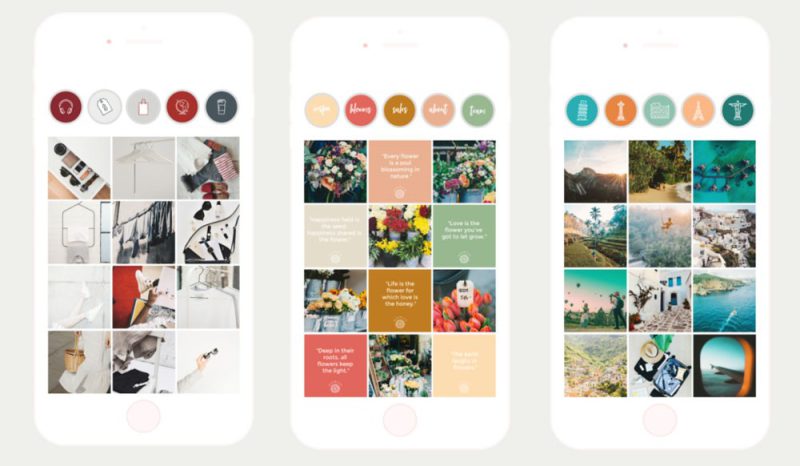
- Organize Highlights with cohesive branding, icons, and thoughtful sequencing.
Build Visual Consistency & Brand Identity
- Maintain cohesive visuals with consistent colors, fonts, and editing styles to develop strong Instagram feed themes.
- Use layout templates or design systems that reflect your brand personality.
- Incorporate brand colors and visual cues within your backgrounds or typography.
- Use Instagram templates to streamline your design process and maintain a consistent look across posts, especially when adapting to the new portrait layout of the Instagram structure.
Apply a Strategic Content Framework
- Define the role of each content type (posts, Reels, Stories) within your content strategy for Instagram.
- Balance educational, inspirational, and entertaining posts.
- Strategically position Reels for visibility, especially in top rows where engagement is highest.

Focus on Quality & Clarity
- Prioritize high-resolution visuals with clean composition and a clear message.
- Align content creation with evolving trends and visuals aligned with how to design the best Instagram profile practices.
- Post consistently and measure performance to optimize over time.
- Leave adequate padding around text, logos, or faces in your images to prevent key elements from being cropped in the 3:4 grid preview.
Learn from Top-Performing Profiles
- Analyze standout creators and brands known for the best Instagram profile design.
- Study audience behavior and align your visuals with what resonates most.
- Take inspiration from Instagram profile aesthetic ideas to diversify your layout while staying on-brand.
Finally
You understood that the new Instagram profile design isn’t just a visual refresh, it’s a powerful opportunity to redefine your brand, boost engagement, and make your content pop like never before. If your grid used to be “just squares,” it’s time to rethink your strategy and embrace the new visual language Instagram is offering.
Let’s hear from you. Do you think these changes are a smart move or just another short-lived trend? Which new feature are you most excited about? If you were to redesign your profile today, where would you start? Drop your thoughts in the comments about “What is the Instagram profile layout 2025?” Your take might inspire someone else!
What is the new Instagram profile grid layout in 2025?
Instagram replaced its classic square 1:1 grid with a taller rectangle format (aspect ratio \~3:4) for profile thumbnails. This change allows vertical content to display with less cropping.
Can users still revert to square thumbnails?
No. Square layout is no longer available. Instagram has not released an option to toggle between square and rectangular grids.
How can I customize the post preview in the new grid?
Instagram now offers an “Adjust preview” option that lets you reposition or crop the thumbnail for each grid post. You can center key parts or add small borders so nothing essential is lost.
Can I reorder posts in my profile grid?
Yes. As of June 2025, New grid customization Instagram features (such as the reorder option) allow reshuffling posts without deleting or re-uploading them.
What image size should I use to avoid cropping issues?
Create static posts using a 4:5 aspect ratio (1080 × 1350 px). This ensures optimal display in feed and grid previews (which render at \~1015 × 1350 px). Center important content to prevent edge cropping.