Oninsta
Ever checked the number of Instagram followers and felt like they just don’t add up? It’s as if you’ve been putting in all the work, but your profile isn’t reflecting the growth. So, what’s causing the Instagram follower count not to update?
Something’s up, but it’s not always what you might think. Stick with us, and you’ll soon understand why there is a holdup. Let’s dive into the mystery and discover how to solve it.
Why Instagram Follower Counts Stop Updating? (Common Causes)
The Instagram follower count not updating problem happens for several reasons, many of which aren’t immediately obvious.
Some come from platform limitations, others from algorithmic filters, and in some cases, Instagram intentionally delays displaying follower changes.
Below are the most common reasons behind the update problems in Instagram Follower Count, based on how Instagram’s system currently works.
1.Temporary System Delays
Sometimes Instagram simply lags. Real-time follower count updates occasionally slow down, especially during peak hours or after platform updates. This delay makes the number of followers appear stuck even when it’s not.
2.Bug, Glitch, or Temporary Freeze
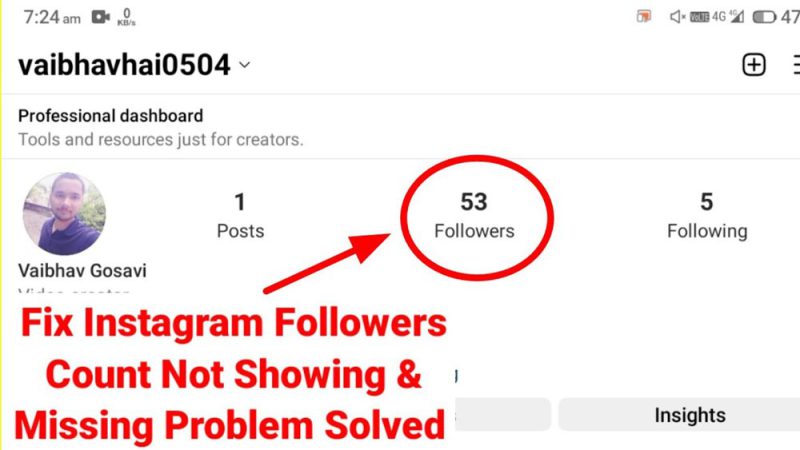
A random Follower Count Bug or glitch is incredibly common. Instagram pushes updates frequently, and these updates sometimes create unexpected display errors, resulting in the well-known Instagram Follower Count Glitch.
3.Mass Removal of Spam or Fake Accounts
Instagram has strict spam detection systems, and when these systems run purges, the app adjusts your follower number behind the scenes. You may think new followers aren’t displayed, while in reality, the platform is deleting bots simultaneously.
4.Violation of Instagram Policies
Accounts suspected of violating guidelines may face a temporary freeze on Follower Count Updates. This includes suspicious activity, follow-unfollow patterns, or using banned hashtags.
5.Third-Party App Interference
Apps designed for scheduling, analytics, or follower tracking can create conflicts. Too much reliance on third-party Instagram tools triggers security checks, and your follower count stops showing accurate numbers.
How to Fix Instagram Follower Count Not Updating?
Below are the most reliable methods to solve the follower count not updating issue. These solutions are practical, based on user reports, platform documentation, and real growth experiences.
1.Restart the App & Clear Cache
Sometimes your app is simply showing outdated data. Close Instagram completely, reopen it, and check your count again. If you’re on Android, clear the cache using settings. This alone solves countless Instagram Follower Issues every day.
2.Log Out and Log Back In
Logging out forces the app to fetch fresh account data directly from the server. Many users report that this resets incorrect follower numbers quickly.
3.Update the Instagram App
Outdated versions often suffer from Instagram Follower Count issues because they don’t sync with new backend changes. Updating your app ensures your profile communicates correctly with Instagram servers.
4.Remove Unauthorized Apps
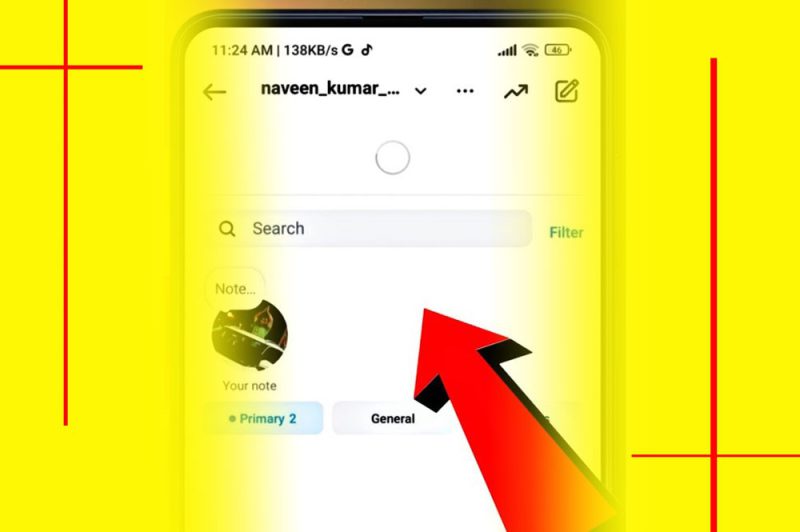
Go to Settings > Security > Apps and Websites. Remove any tools you don’t recognize or no longer use. Conflicts caused by these apps can stop the Instagram follower count from updating accurately.
5.Check Internet Stability
Weak internet causes the app to load cached data, not live data. Switching to a stable Wi-Fi connection often refreshes the follower number instantly.
6.Wait for System Refresh After Platform Updates
Sometimes the only solution is patience. Instagram delays synchronization during system maintenance or after global outages. The display eventually updates once the servers stabilize.
7.Verify That Followers Are Real
If you’re gaining followers too suddenly, Instagram may flag them as “suspicious.” This creates problems with Instagram Follower Count accuracy. Ensure you’re attracting real users, not mass follow bots.
8.Use Instagram’s Built-In Analytics Tools
Tools like Instagram Insights or Instagram Analytics reveal whether the followers actually arrived on your profile. If analytics show growth but your profile doesn’t, it confirms a display glitch, not a loss in engagement.
9.Review Engagement Sources
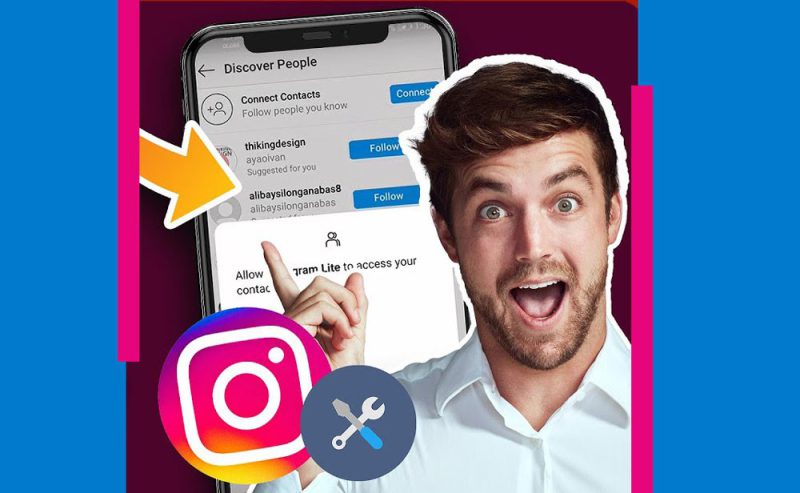
Check where your new followers came from. If many come from countries known for both networks, Instagram may freeze your count temporarily. This affects your Follower Growth Tracking and visibility.
10.Inspect Your Profile Health
A suspicious, incomplete, or inactive Instagram Profile is more likely to trigger algorithm update delays. Make sure:
- Your bio looks trustworthy
- You use natural posting patterns
- Your account isn’t following thousands of people at once
Why Your Follower Count Isn’t Updating Even After Refreshing?
If you refresh your profile and still see no change, you’re likely facing an issue with your Instagram follower count not updating due to deeper technical problems. Instagram’s backend evaluates new followers based on authenticity, geographic patterns, and network history.
This means:
- Instagram may delay showing new followers if the system suspects automation.
- If you gained followers too quickly, Instagram may review them before counting.
- Some accounts disappear instantly due to failed verification checks.
This is also part of the reason why your follower quantity isn’t updating as expected, especially during sudden spikes in engagement.
Signs That Your Follower Count Is Stuck Due to a Glitch
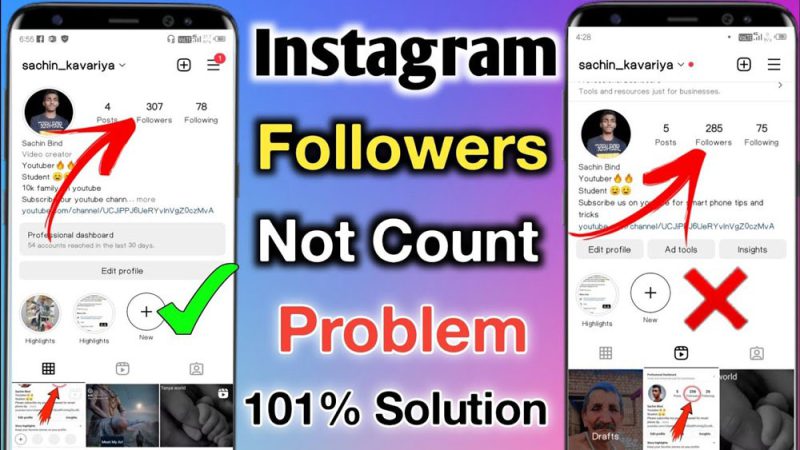
If more than 24 hours have passed and your Instagram follower count is not updating, you’re likely dealing with a deeper system issue.
This often signals a platform-wide glitch rather than a personal account problem. Look for these signs:
- Followers appear in notifications but not on your profile
- Numbers fluctuate randomly after refresh
- Third-party apps show a higher number than Instagram
- Other users report similar issues at the same time
How to Prevent Future Instagram Follower Count Problems?
To avoid repeated delays or inaccuracies in your follower numbers, you need to maintain a clean growth pattern, stable profile activity, and avoid anything that may trigger Instagram’s automated reviews.
These simple preventive steps help ensure your follower metrics remain accurate and consistently updated.
- Avoid Aggressive Following Activity: Don’t follow/unfollow too quickly. Instagram interprets this as automation.
- Use Clean Growth Methods: Avoid fake engagement. Stick to organic strategies to protect your Instagram Performance Tracking.
- Limit Third-Party Interactions: Only use trusted apps. Avoid automated tools, mass follow apps, and unverified services.
- Keep Your App Updated: Many glitches disappear with newer updates. Outdated versions create inaccurate Follower Count Updates.
- Maintain Content Quality: Consistent, authentic content encourages stable growth and accurate follower reporting.
When to Contact Instagram Support to Fix Follower Count Not Updating?
If your Instagram follower count is not updating and persists for more than one week, or if the number keeps dropping unexpectedly with no analytic explanation, it’s time to contact support.
Provide them with:
- Screenshots of your notifications
- Analytics proving new followers
- Evidence of no third-party tool misuse
Wrapping Up
Instagram follower count not updating is more common than you might think, but it’s certainly fixable. Armed with the knowledge of what causes these interruptions and how to address them, you’ll be back to seeing accurate numbers in no time.
Just remember, a little patience, the right tweaks, and keeping track of your engagement can make all the difference.
How often do you check your follower numbers, and have you noticed any patterns in when the updates don’t show up on time? What steps do you usually take when your follower count doesn’t update? Have any of these methods worked for you before? Let’s discuss in the comments!