Oninsta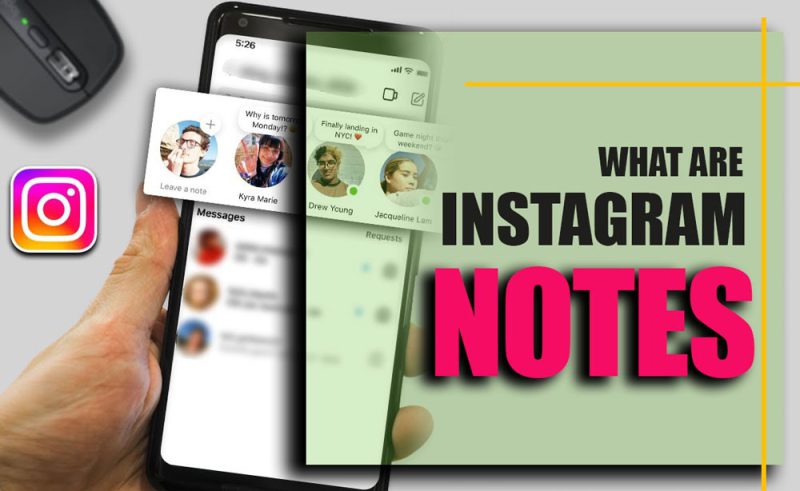
Stop scrolling for a second. What if you could share a secret, a tiny thought, or a mini announcement with just a few people… and vanish by tomorrow? That’s exactly what Instagram Notes allow!
These semi-private, temporary messages act like whispers in your followers’ inboxes, quick, fun, and impossible to ignore. In 2025, they’re changing the game for creators, businesses, and anyone who wants to engage followers on Instagram without cluttering their Feed.
Ready to unlock the secrets, learn how to use this feature, and turn fleeting ideas into immediate impact? Let’s dive in!
What exactly are Instagram Notes 2025?
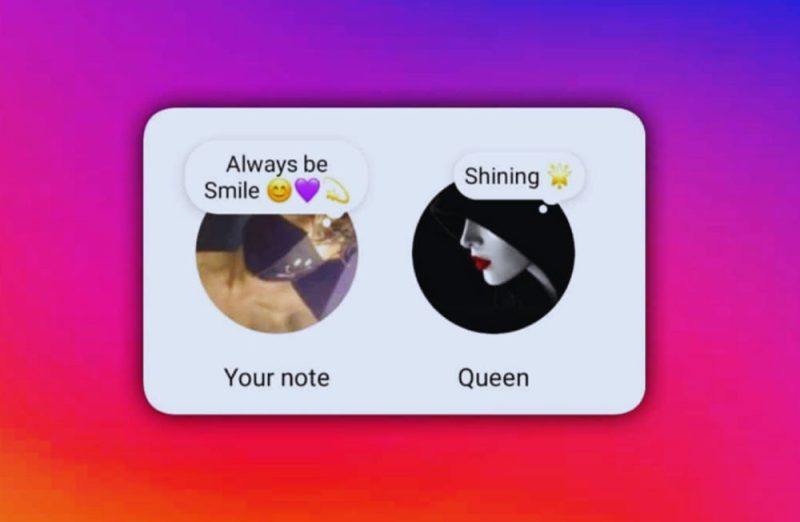
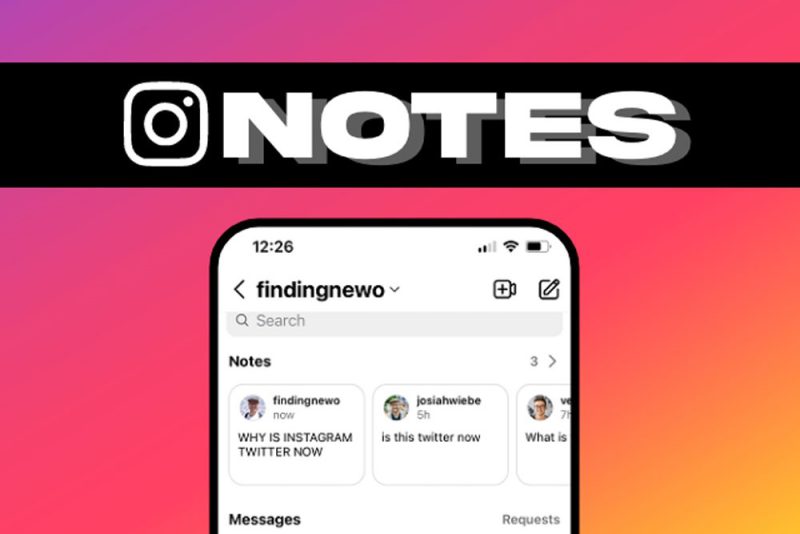
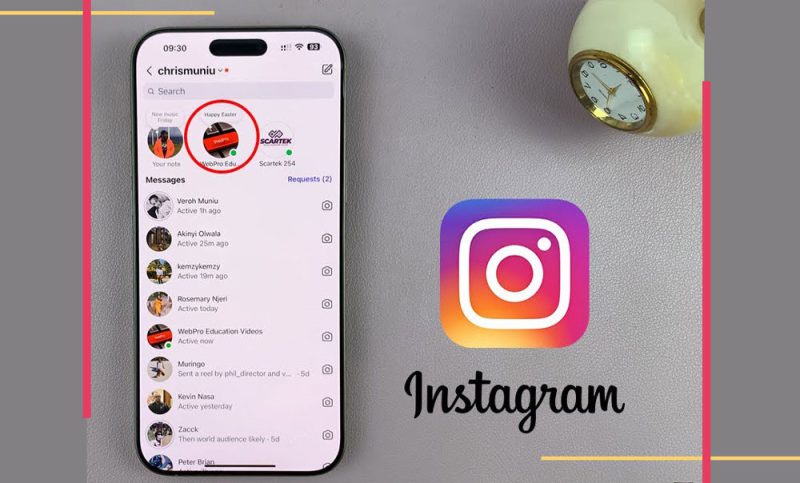
At its core, Instagram Notes are short statuses (updates) that appear at the top of your Direct Messages inbox.
Unlike Stories, which are public to anyone following you, Notes are semi-private, temporary messages and only visible to mutual followers or selected “Close Friends.”
- Temporary Instagram messages disappear after 24 hours, similar to Stories.
- Instagram short messages are limited to 60 characters, encouraging concise, punchy communication.
- They function as a subtle Instagram Stories alternative for those who prefer less public sharing.
This feature is not just about Instagram Notes visibility; it’s about intimacy, trust, and casual connection, making it perfect for building authentic social media engagement.
How to Use Notes on Instagram in 2025?
Remember, only one Note can be active at a time. Posting a new Note replaces the previous one. To remove a Note early, you can always delete Notes on Instagram by selecting “Delete” in the Note options.
If you’re wondering how to use this feature, here’s a simple approach:
- Open Instagram and go to your DMs inbox.
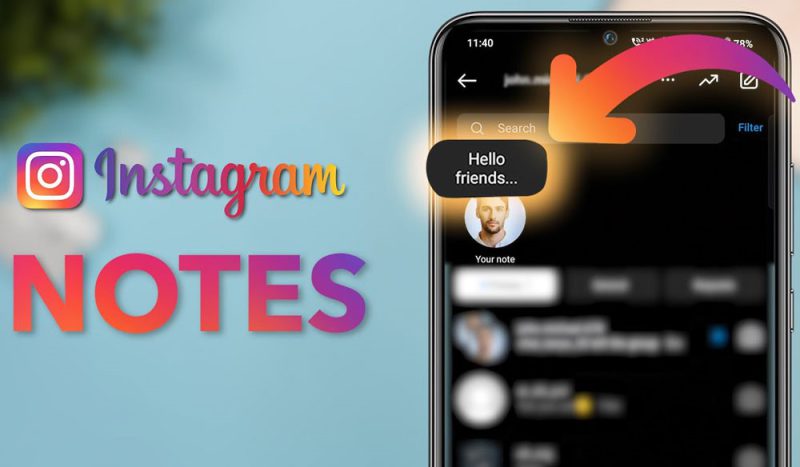
- Tap “+ Leave a Note” at the top of your inbox.
- Type your short message (up to 60 characters). You can add emojis or symbols for more personality.
- Choose whether your Note is visible to mutual followers or close friends.
- Tap “Share,” and your Note appears at the top of selected users’ inboxes.
·If Notes Aren’t Visible
If you’re dealing with why Notes aren’t appearing on Instagram, it’s often due to an outdated app. Keeping your app updated ensures you have access to all the latest Instagram Notes features.
- Open your App Store or Google Play Store.
- Search for Instagram.
- Tap Update if available.
- Reopen Instagram, and Notes should now appear.
Remember, Notes can only be accessed and created on the Instagram mobile app. Comments on Notes are visible on desktop if they appear in DMs.
·Muting and Unmuting Notes
If you want more control over whose Notes appear in your inbox, Instagram lets you mute or unmute individual users’ Notes.
This way, you can manage your Instagram Notes notifications and focus only on the content that matters most to you.
- Mute: Press and hold a user’s profile picture in the Notes tray, then select “Mute Notes.”
- Unmute: Go to their profile, click “Following,” and toggle “Mute” off.
Since Notes are tucked away in Messenger, their effect on the algorithm is likely minimal, and Instagram hasn’t confirmed any impact yet.
·Deleting a Note
Knowing how to delete Instagram Notes allows you to correct mistakes or remove outdated content quickly. Since Notes are short-lived, managing them effectively helps maintain engagement and audience trust.
- Go to your inbox and tap the Note you want to remove.
- Tap Delete Note.
- Confirm deletion.
Notes on Instagram don’t have a draft-saving feature, so deleted Notes are permanently removed.
· Interacting With Notes
Engaging with Notes is easy and helps you stay connected with your followers. You can quickly show appreciation or start a conversation directly from the Note itself, all within the mobile app.
Currently, liking and replying to Notes is only possible via the mobile app:
- Like a Note: Open the Note and tap the heart icon, or double-tap it.
- Reply to a Note: Tap “Send message” or “Reply to [Name],” type your response, and send it as a private DM.

Why Use Instagram Notes?
Notes are subtle and non-intrusive. Unlike Stories, they don’t trigger notifications, and unlike DMs, they aren’t directed at a single person. They can help you:
- Announce sales, promotions, or events.
@mia_creations posts “Flash sale, 15% off prints today only!” to alert followers about a special promotion.
- Share product updates or quick tips.
@lily_foodie writes “New recipe video dropping tonight, don’t miss it!” to keep her audience updated.
- Connect personally with followers without cluttering the Feed.
@daniel_reads posts “Late-night study session, who’s online?” to casually reach out to friends.
- Encourage engagement by prompting replies.
@alex_traveldiaries asks, “Road trip this weekend, any song suggestions?” to spark quick conversations.
Because Notes appear at the top of inboxes, they help messages stand out without requiring the effort of a full post or Story.
Creative Uses of Instagram Notes
For personal users, share quick thoughts on Instagram using Notes to express moods, ask questions, or give casual updates. Examples include:
- “Feeling creative, DM me your ideas!”
- “Coffee before study, anyone joining?
Instagram Notes for business can help increase Instagram visibility and engagement without cluttering your Feed. Strategies include:
- Announcing flash sales: “Limited time offer today!”
- Sharing sneak peeks: “New collection dropping soon.”
- Encouraging direct interaction: “DM us your feedback for a surprise reward!”
This makes Notes an excellent tool to integrate Instagram content ideas and informal marketing.
Instagram Notes Tips and Tricks
By using Notes thoughtfully, you can strengthen Instagram social interactions and boost your relationship with followers.
To maximize the power of this Instagram messaging feature (Notes):
- Use Notes for Instagram status updates that are casual, concise, and engaging.
- Treat Notes as mini-conversations; replies go directly to DMs, fostering intimate interactions.
- Experiment with Notes on Instagram ideas like polls, questions, or teaser announcements.
- Be mindful of limits: one Note at a time, 60 characters, 24-hour duration.
Closing Remarks
Instagram Notes offer a simple, personal way to engage followers. By sharing short, temporary messages, creators and businesses can boost interaction, stand out, and maintain authentic connections without cluttering their profile.
Have you tried using Notes on Instagram yet? What kind of content worked best for you? How do you use Notes differently from Stories or DMs to connect with your followers?
Let others know what are Notes on Instagram and those little updates you can share with mutual followers by writing your ideas in the comments!